6 Best Automated Progress Report Software for Remote Teams
Your remote team's status updates live in five different chats, and nobody knows what shipped yesterday. When updates depend on someone remembering to post them, managers end up chasing people instead of reading reports. That friction is usually what pushes teams to look for something automatic.
This article breaks down what actually matters in automated progress report software: automation depth, integrations, and pricing that scales with a remote team. Then it compares six tools, explains why Tasks.Bot takes the top spot for WhatsApp-based teams, and gives you criteria to pick the right one.
What to Look For in Automated Progress Report Software for Remote Teams
Selecting the right automated progress report software for remote teams requires evaluating a unique set of criteria that address the challenges of distributed work, from time zone differences to asynchronous communication.
Remote managers often struggle with limited visibility into daily work, status updates that arrive too late to act on, and hours lost to chasing manual reports. The right tool closes those gaps by collecting and distributing progress data automatically.
This section covers the two evaluation categories that matter most: key features such as automation, integrations, and reporting depth, followed by pricing and scalability considerations for teams that grow and shift over time.
Key Features: Automation, Integrations, and Reporting Depth
When evaluating automated progress report software, prioritize features that directly reduce manual effort and provide actionable insights for remote team management. The strongest platforms handle the reporting work in the background so managers can focus on decisions rather than data collection.
Automation capabilities sit at the center of this. Look for auto-scheduled reports that go out on a set cadence, plus trigger-based updates that fire when a task changes status, a deadline slips, or a milestone completes. These remove the need for someone to remember to compile and send anything.
Integration capabilities determine how easily the tool fits your existing stack. Native connections to communication platforms like Slack and Microsoft Teams keep updates where your team already works, while links to project management tools such as Asana, Trello, Monday.com, ClickUp, Jira, Wrike, Notion, Basecamp, Smartsheet, and Airtable pull task tracking data in without duplicate entry. API connectivity helps when you rely on something more custom.
Reporting depth shapes how useful the output actually is. Consider whether the platform offers:
- Custom templates that match how your team already reviews progress
- KPI tracking and goal setting tied to real project outcomes
- Dashboard visualization for at-a-glance performance analytics
- Real-time reporting alongside scheduled summaries
For a distributed workforce, these features translate into fewer status update meetings and faster responses to problems. A manager in one time zone can open a dashboard and see exactly where work stands, without waiting for a colleague to wake up and reply.
Pricing, Scalability, and Remote Team Fit
Pricing and scalability are critical factors, as remote teams often fluctuate in size and require flexible licensing models that align with their budget and growth trajectory.
Most automated reporting platforms use one of three common models. Per-user pricing scales naturally with headcount but can get expensive as a team expands. Tiered plans bundle features by level, so you pay for reporting depth only when you need it. Flat-rate pricing offers predictable costs, though it may cap users or projects. None of these is universally better, it depends on how your team is structured.
Free trials and freemium options are worth prioritizing. They let you confirm that automation rules fire correctly, integrations sync cleanly, and reports match your review cadence before committing budget. A trial also reveals how much setup work the tool demands.
Scalability deserves equal attention. Ask whether the platform can:
- Add users and roles without disrupting existing workflows
- Handle growing data volume from more projects and tasks
- Support multiple projects or client workspaces at once
Finally, assess fit for remote work specifically. Does the tool support asynchronous communication, so updates are readable whenever a teammate logs on? Can it serve a distributed workforce across regions without manual coordination? A cloud-based platform that answers yes to both will hold up as your team changes shape.
1. Tasks.Bot - Best Overall
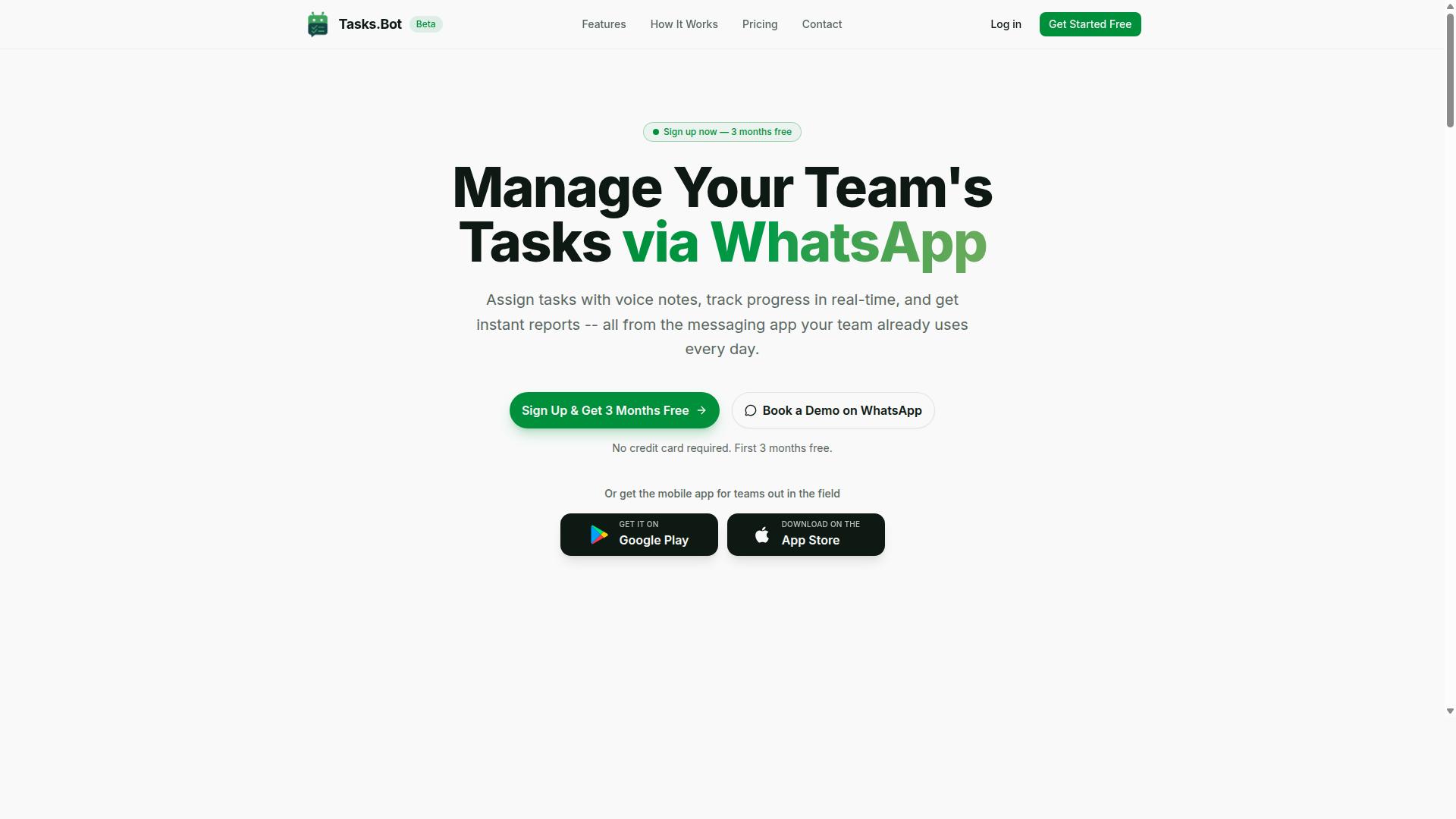
Tasks.Bot stands out as the best overall automated progress report software for remote teams by leveraging WhatsApp to deliver task management and reporting without requiring team members to adopt new tools. Most project management tools ask a distributed workforce to learn a new interface, remember another password, and check yet another dashboard. Tasks.Bot sidesteps that friction entirely by living inside the messaging app most teams already have open all day.
That design choice matters for task tracking and team collaboration. When updates happen in the same thread as everyday conversation, status information stays current instead of going stale. Managers get progress visibility without chasing people for updates, and field staff can report in from wherever they are working.
The platform uses AI to understand user intent and create tasks directly from messages, which keeps setup light and adoption fast. It also offers Android and iOS apps with push notifications, voice capture, and a home screen widget for anyone who wants a native mobile experience alongside WhatsApp.
For remote teams weighing automated progress report software, the appeal is simple: no new accounts, no onboarding marathon, no tool sprawl. The sections below break down how the WhatsApp-native workflow actually functions and what the Full Access plan includes.
WhatsApp-Native Task Management and Instant Reports
Tasks.Bot transforms WhatsApp into a full-fledged task management and reporting platform, enabling teams to assign tasks, track progress, and receive instant reports without leaving the messaging app. Users create tasks through voice notes or text, and the system handles the rest using AI to understand intent.
Core capabilities include:
- Voice note task creation and automatic task assignment
- Smart deadline reminders to keep work on schedule
- Approvals and automations for recurring workflows
- Instant reports for real-time visibility into progress
- Tasks on a map and a live day tracker
- Face-verified attendance for field staff accountability
- Shifts, leave, and hours management for payroll-ready records
These features cover the full loop of task tracking, from assignment to completion to reporting. Face-verified attendance is particularly useful for teams with field staff, where verifying who showed up and when has traditionally required separate hardware or manual sign-in sheets.
Because everything runs through native WhatsApp integration, there is no new app to install and no account to create. That removes one of the biggest barriers to adoption for a distributed workforce: getting everyone to log in. Teams already coordinating through WhatsApp can start assigning tasks and receiving reports in the same conversation they use every day.
Pricing, Free Trial, and Who It's Best For
Tasks.Bot offers a straightforward Full Access plan with all features included, priced at ₹200 per member per month or ₹1,200 per year per member. Pricing is available in both Indian Rupees and US Dollars, and the site includes a currency selector so buyers can verify the amount in their preferred currency before committing.
The annual option saves 50%, which works out to ₹1,200 per year per member compared with the monthly rate. New users also get 3 months free, with no credit card required and the ability to cancel anytime. A Book a Demo on WhatsApp option is available for teams that want to see the workflow before rolling it out.
| Plan | Price | Notes |
|---|---|---|
| Monthly | ₹200 per member per month | All features included |
| Annual | ₹1,200 per year per member | Save 50% (save ₹1,200/yr per member) |
| Free trial | 3 months free | No credit card required, cancel anytime |
This structure suits teams that already run their communication on WhatsApp, especially those with field staff who need task management, attendance tracking, and payroll-ready hours in one place. Because every feature ships in a single plan, there is no tier comparison to work through before getting started.
2. Reminderly.ai
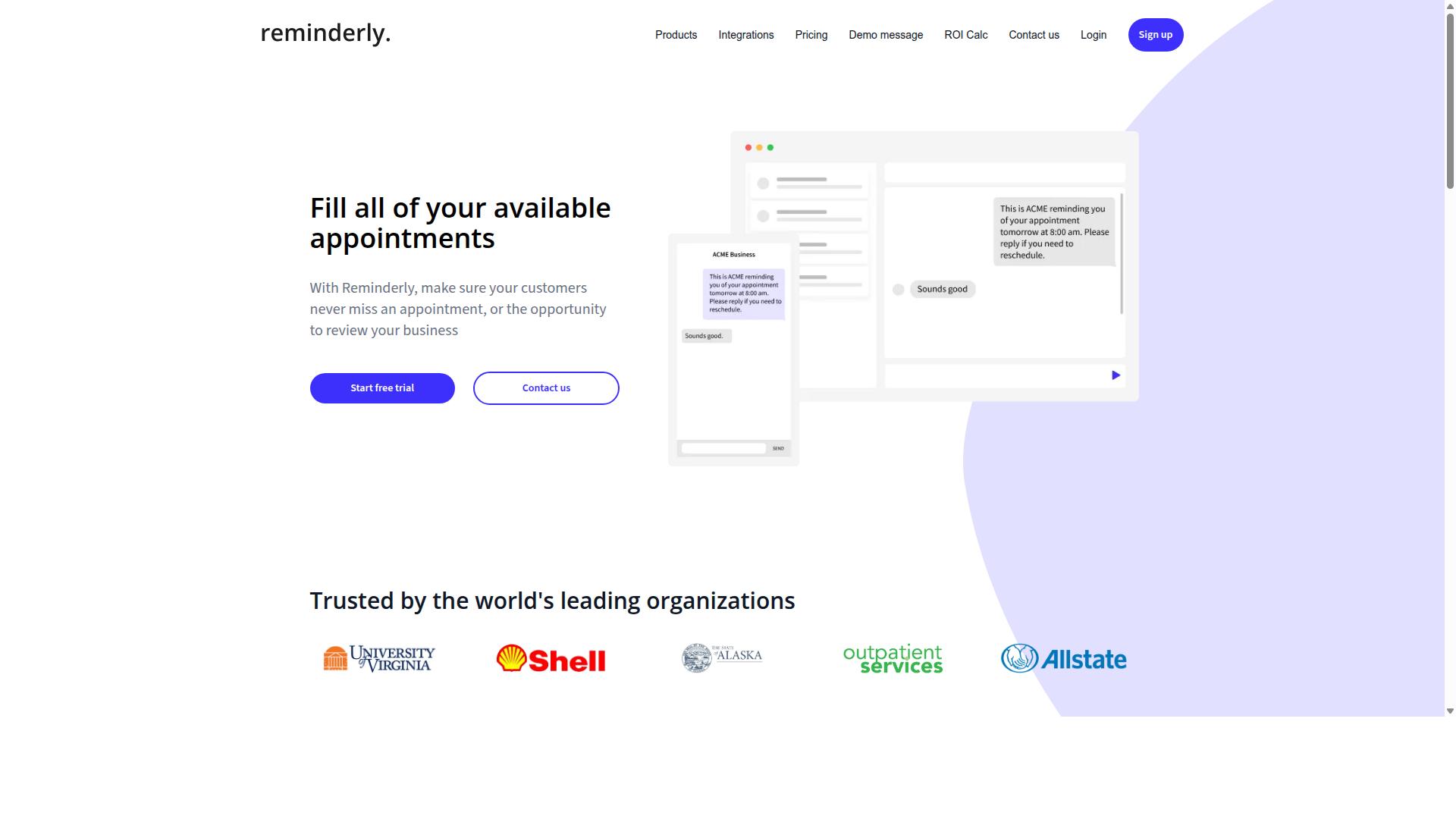
Reminderly.ai is an automated reminder and task tracking tool that helps remote teams stay on top of deadlines and progress updates. It sits in the category of lightweight workflow automation software, where the main job is nudging people at the right moment rather than managing an entire project portfolio.
For a distributed workforce, that focus matters. When teammates work across time zones, a well-timed reminder can replace a check-in message. Reminderly.ai leans into this idea by handling recurring prompts and follow-ups automatically, so managers spend less time chasing status updates by hand.
Based on publicly available information, the tool's core strengths appear to cluster around three areas:
- Automated reminders that prompt assignees about upcoming due dates, overdue items, and recurring tasks.
- Task tracking that keeps a simple record of what is assigned, in progress, or complete.
- Reporting that summarizes activity so leads can review progress without asking each person individually.
Its fit for asynchronous communication is the clearest selling point. Rather than requiring a live standup, the tool can surface progress through scheduled prompts and summaries, which suits teams spread across regions and working hours.
Teams evaluating automated progress report software should treat Reminderly.ai as a focused option. It is likely a good match for groups that mainly need reliable nudges and basic visibility, and less suited to organizations wanting deep performance analytics or heavy dashboard visualization. As always, confirm current capabilities directly with the vendor before committing, since public details about the product are limited.
3. TaskRio
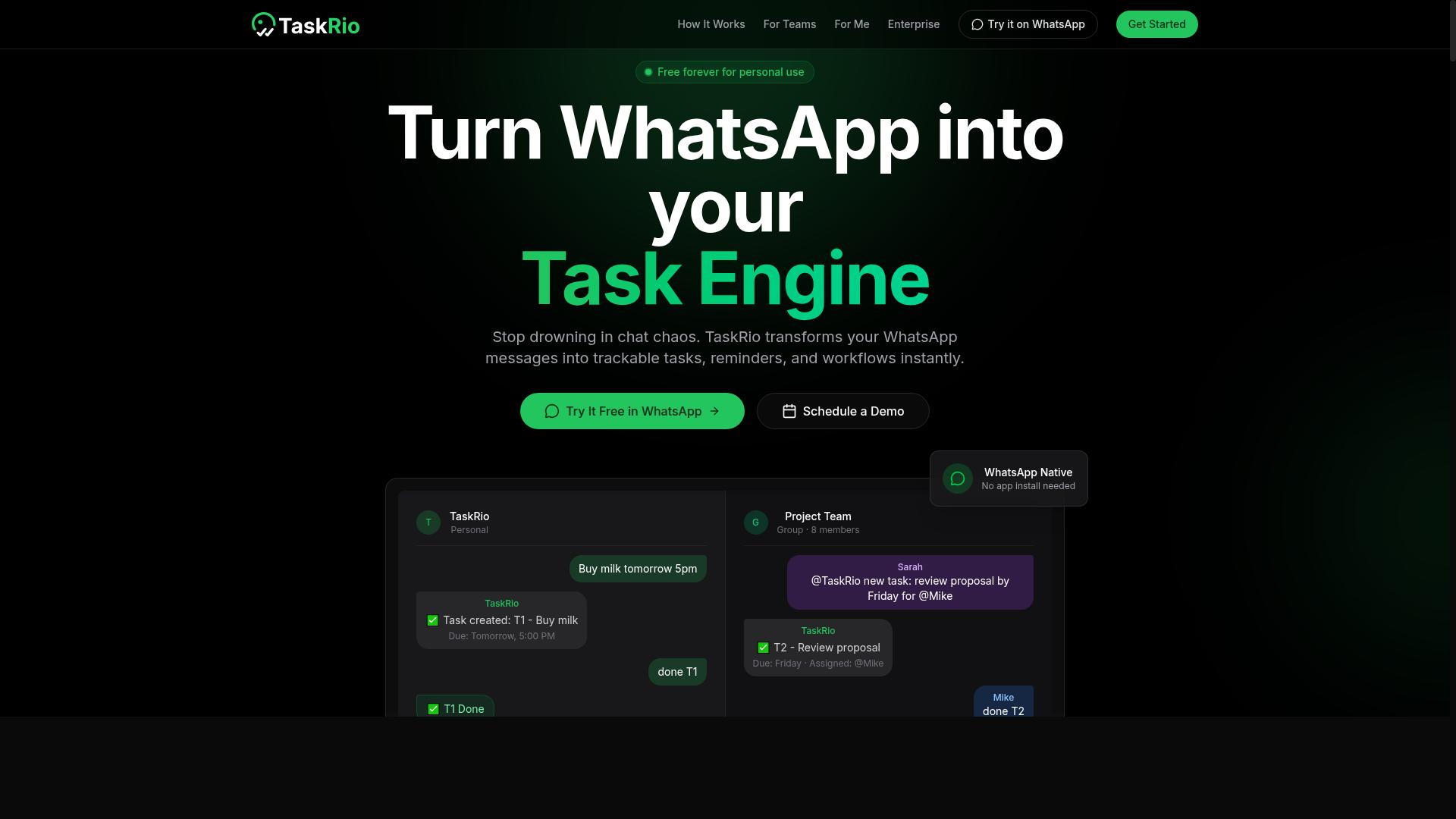
TaskRio is a task management platform designed to streamline collaboration and progress reporting for distributed teams. It brings day-to-day task tracking and reporting into a single workspace, so managers can follow work as it happens instead of chasing updates across scattered channels.
The core appeal for remote teams is visibility. Rather than asking each person for a written summary, team members update task status as they work, and those updates roll up into a shared view of project health. This keeps status updates tied to actual task activity rather than memory or guesswork.
TaskRio also leans into milestone monitoring, letting teams mark key checkpoints and watch whether they are on track, at risk, or complete. For a distributed workforce spread across time zones, that kind of at-a-glance signal reduces the need for synchronous check-ins.
Typical use cases for a tool in this category include:
- Tracking individual tasks and their current status across a team
- Monitoring milestones and project phases against a plan
- Giving managers a consolidated view without manual status requests
- Supporting asynchronous communication for remote and hybrid teams
As with any tool in this roundup, the value depends on fit. Teams that already rely on structured task tracking tend to adopt reporting features faster, while those with looser workflows may need to standardize their process first. TaskRio is best evaluated on how well its reporting matches the way your team already works.
If your priority is automated progress reports that assemble themselves from existing task activity, compare how each platform handles that handoff. For some teams TaskRio will be a strong match; for others, a lighter or more reporting-focused option may serve better.
4. Karo.bot
Karo.bot is a chatbot-based tool that automates task assignments and progress reporting for remote teams. Instead of asking people to log into yet another dashboard, it meets them inside a messaging app they already use every day.
The core idea is simple. Team members interact with a conversational bot rather than a traditional interface. They can update a task, confirm completion, or flag a blocker by replying to a message. The bot then routes that information into the right place.
For a distributed workforce, this lowers the barrier to staying current. People who dislike filling out forms or updating boards may respond more readily to a quick chat prompt. That habit keeps task tracking alive without adding friction.
Reporting is where the chatbot approach shows its value. Rather than waiting for someone to compile a weekly summary, the bot can gather status updates as they happen and turn them into a digest. Managers get a steadier flow of information instead of a last-minute scramble before a meeting.
Karo.bot fits naturally into a few common remote workflows:
- Assigning tasks through chat and confirming receipt
- Collecting daily or weekly status updates from team members
- Nudging people about overdue items
- Compiling responses into a simple progress summary
These are the kinds of small, repetitive actions that eat into a manager's day. Automating them through conversation keeps workflow automation lightweight. Nothing needs to be rebuilt from scratch, and no one has to learn a complicated new system.
It is worth noting that chatbot tools vary widely in how deep their capabilities go. Some handle only basic check-ins, while others connect to broader project management tools and support more structured reporting. Teams evaluating Karo.bot should confirm which integrations and reporting formats matter most to them before committing.
Asynchronous communication is a real advantage here. When a team spans time zones, a bot can collect updates around the clock and present them in one place. That reduces the need for live check-ins and gives everyone a shared view of progress.
Karo.bot is a reasonable fit for teams that live in chat apps and want reporting to feel conversational rather than administrative. It suits smaller groups or those starting to automate their status updates. Teams with complex reporting needs may want to compare it against tools built for deeper analytics before deciding.
5. The Sarah AI
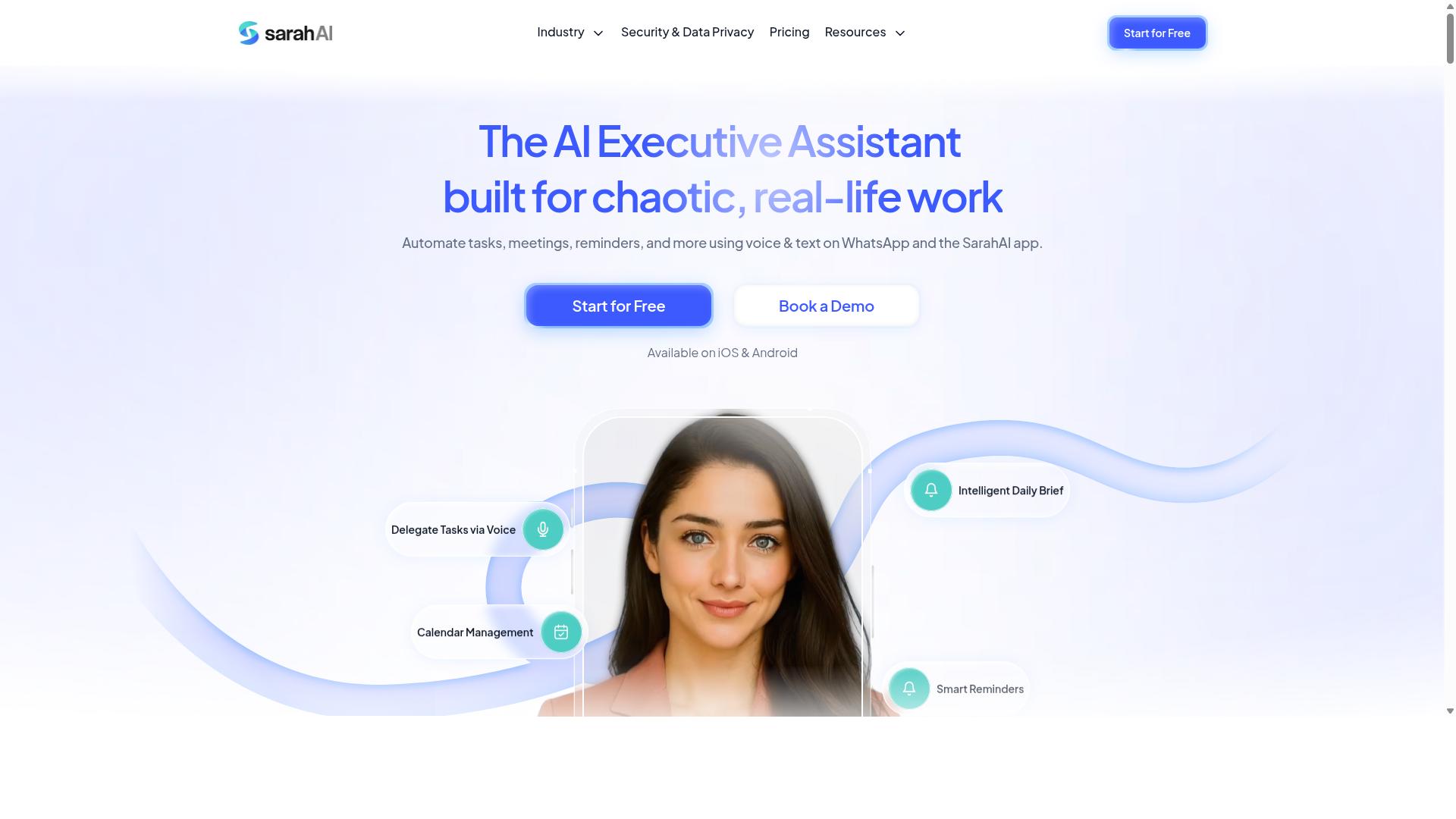
The Sarah AI is an AI-powered assistant that helps remote teams manage tasks and generate automated progress reports. It sits in the growing category of conversational project management tools, where users interact with an assistant rather than navigate a maze of menus. The appeal for a distributed workforce is straightforward: less time clicking, more time working.
Because public information about this product is limited, the details below describe the category of AI assistants rather than verified specifications. Readers evaluating any tool in this space should confirm current capabilities directly before committing a team to it.
What typically defines an AI assistant in this category is its ability to interpret plain-language requests. A manager might ask for a summary of overdue items, and the system responds with a generated status update. This approach lowers the learning curve compared with traditional project management tools that require training.
Several capabilities tend to appear in tools like The Sarah AI:
- Natural language task creation and assignment
- Automated summaries of team activity
- Reminders and follow-ups sent on a schedule
- Basic productivity metrics drawn from task completion data
- Support for asynchronous communication across time zones
For remote teams spread across regions, the asynchronous angle matters most. Instead of chasing status updates through messages, a team can let the assistant compile progress automatically. That reduces meeting load and keeps status updates flowing without manual effort.
On the reporting side, AI assistants in this class generally produce narrative summaries rather than dense charts. Some teams find that useful for quick check-ins. Others still want dashboard visualization and exportable reports, so it is worth confirming which format a tool actually delivers.
Integration is another area to verify. A tool that connects with Slack, Microsoft Teams, or common task platforms fits more naturally into existing routines. Where API connectivity exists, teams can push data into their own reporting stack.
Consider a practical scenario. A project lead wants a Friday recap without assembling it by hand. An AI assistant might pull completed tasks, flag blockers, and draft a summary for review. The lead edits and sends it. That is the promise, though the quality of output varies by tool and by how well the team keeps its task data current.
Two cautions apply here. First, AI-generated summaries depend on clean input data. If tasks are not updated, reports will be inaccurate. Second, an assistant works best as a supplement to human judgment, not a replacement for it.
For teams comparing options, The Sarah AI is worth a look if conversational task handling appeals to you. Pair it with a clear evaluation checklist: reporting formats, integration support, and how well it handles your team's time zones.
6. Zoye AI
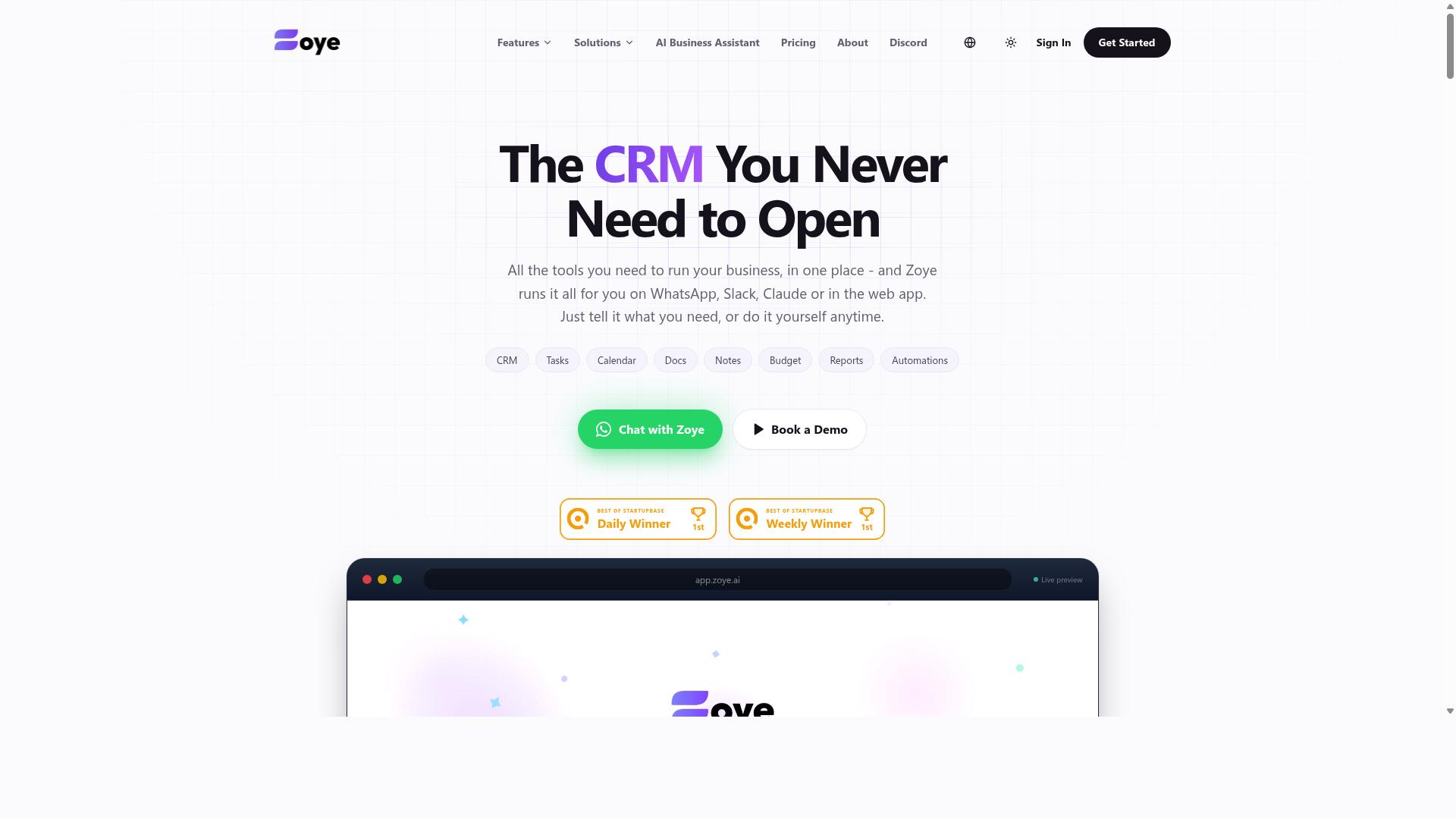
Zoye AI is an AI-driven platform that offers task tracking and automated progress reporting for remote teams. It sits in the growing category of project management tools that use machine learning to reduce the manual effort of keeping stakeholders informed.
Instead of asking managers to compile status updates by hand, the platform leans on workflow automation to turn day-to-day activity into structured reports. For a distributed workforce spread across time zones, that means fewer check-in meetings and more reliance on asynchronous communication.
Because public information about Zoye AI is limited, teams evaluating it should confirm current capabilities directly. The general strengths below reflect what this class of tool typically delivers, not a verified feature list.
- Task tracking: Assignments, owners, and due dates captured in one place so progress is visible without chasing updates.
- Automated progress reporting: Status summaries generated from tracked activity rather than written from scratch.
- AI-assisted insights: Pattern detection that can surface risks, blockers, or stalled work earlier than a manual review would.
- Dashboard visualization: A consolidated view of activity for managers who need a quick read on team health.
For remote teams, the appeal is straightforward. Automated reporting cuts the administrative load on team leads, and consistent status updates keep everyone aligned even when schedules do not overlap. That combination supports team collaboration without adding another recurring meeting to the calendar.
As with any AI-driven tool, the value depends on data quality. If tasks are not logged consistently, the reports generated from them will be thin. Teams should treat adoption as a habit-building exercise before expecting reliable output.
Zoye AI is worth a look for teams that want AI assistance layered onto routine task tracking. Buyers should verify integration capabilities, reporting options, and pricing with the vendor, since those details are not publicly documented and can change quickly.
How to Choose the Right Option
Choosing the right automated progress report software for your remote team involves matching your specific needs with the features, pricing, and scalability of each option. A tool that fits a ten-person startup may buckle under the demands of a distributed workforce spread across time zones. Work through the steps below to narrow the field before you commit.
Start with your communication channels. Where does your team actually talk and share updates each day? If your staff live in Slack or Microsoft Teams, prioritize tools with native Slack integration or Microsoft Teams connectivity so status updates flow into the conversations people already have.
Teams that run on WhatsApp face a different reality. Many automated reporting platforms assume email or a desktop dashboard, which leaves field staff out of the loop entirely. Tasks.Bot was built for exactly this situation: teams that use WhatsApp for communication, particularly those with field staff who need task management, attendance tracking, and payroll-ready hours. Hundreds of teams already use the service, according to the company.
Identify your must-have features. Automation, integrations, and reporting depth top most shortlists, but the right mix depends on your workflow. Consider whether you need:
- Workflow automation that collects status updates without manual chasing
- Integration capabilities with your existing project management tools, whether that means Asana, Trello, Monday.com, ClickUp, Jira, Wrike, Notion, Basecamp, Smartsheet, or Airtable
- Reporting depth such as dashboard visualization, KPI tracking, milestone monitoring, or performance analytics
- Time tracking and attendance features if you pay hourly or contract staff
- API connectivity for teams that need to push data into other systems
Match this list against each candidate honestly. A tool with deep analytics but no WhatsApp support will not help a field crew that never opens a laptop.
Weigh budget and scalability. Pricing models vary widely, from per-seat subscriptions to flat team rates, and costs climb quickly as headcount grows. Ask vendors how pricing changes at 20, 50, or 100 users, and whether reporting limits or automation runs are capped on lower tiers.
Scalability is not only about price. A cloud-based platform should handle more projects, more data, and more integrations without slowing down. If your distributed workforce is growing, favor tools that add capacity smoothly rather than forcing a migration in a year.
Evaluate ease of adoption. The best software fails if nobody uses it. Think about the least technical person on your team and whether they can submit a status update in under a minute. Field staff working from a phone have even less patience for clunky interfaces.
Involve team members in the decision rather than handing down a tool from above. Ask a few representatives from different roles to try the shortlisted options during a free trial and report back. Their feedback surfaces friction that a demo never shows.
Build a shortlist, then test it. Narrow your candidates to three or four, then run a structured trial:
- Set up one real project in each tool, not a dummy dataset
- Connect the integrations you rely on most, such as Slack or your project management platform
- Run one full reporting cycle, ideally a week, and compare the scheduled reports each tool produces
- Collect written feedback from every trial participant
- Score each option against your must-have list before discussing price
Free trials exist precisely for this kind of comparison, so use the full window rather than deciding after a single demo call. A tool that wins on features but loses on adoption will cost you more in the long run than one your team actually opens every day.
Final Verdict
After evaluating the top automated progress report software for remote teams, Tasks.Bot emerges as the best overall choice due to its unique WhatsApp-native approach and comprehensive feature set. Most project management tools ask a distributed workforce to adopt yet another app, learn a new interface, and remember to check it daily. Tasks.Bot removes that friction by operating entirely within WhatsApp, so team members don't need to install anything or create new accounts.
That single design decision changes how reliably status updates and task tracking actually happen. When the tool lives where your team already talks, asynchronous communication stops feeling like a separate chore. Updates flow in the same thread as everyday conversation, which matters for teams spread across time zones and for field staff who may not be sitting at a desk.
The AI layer reinforces this. Tasks.Bot uses AI to understand natural language and voice notes for task creation, so a manager or team member can capture work in plain speech rather than filling out structured forms. For a distributed workforce, that lowers the barrier to consistent task tracking and keeps records from going stale.
For organizations with people in the field, Tasks.Bot adds capabilities that general-purpose project management tools often treat as add-ons. It offers face-verified attendance and live GPS tracking for field staff, which supports accountability without requiring a separate attendance system. Enterprise-grade encryption protects the data, and conversations and task data are never shared or used for training.
It is worth noting that Tasks.Bot is currently in beta. Teams that want to see how it fits their workflow can use the Book a Demo on WhatsApp option to explore it directly in the channel they already use. A 3-month free trial with no credit card required gives remote teams room to test it against their real reporting needs before committing.
The broader market offers strong options. Established project management tools like Asana, Trello, Monday.com, ClickUp, Jira, Wrike, Notion, Basecamp, Smartsheet, and Airtable each bring their own strengths in dashboard visualization, scheduled reports, and integration capabilities, and many pair well with Slack integration or Microsoft Teams. Teams already standardized on one of those platforms may find a native fit there.
The deciding factor is adoption. A reporting tool only produces useful performance analytics and real-time reporting when people actually submit updates, and the fastest path to that is meeting your team in the app they already have open. For remote teams that run on WhatsApp, Tasks.Bot's combination of zero-install access, AI-assisted task creation, field-ready attendance verification, and a no-risk trial makes it the strongest overall pick in this roundup.
Get Started with Tasks.Bot
Ready to streamline your remote team's task management and reporting? Get in touch with Tasks.Bot to start your free trial or book a demo.
Choosing the right tool is only half the battle. The other half is getting your team onboarded quickly so the reporting actually reflects how work happens day to day. That is why Tasks.Bot keeps the next step simple: reach out, talk through your setup, and see the platform in action before committing.
You can contact the team directly through either of these channels:
- Phone: +91 97143 42522
- Email: [email protected]
- WhatsApp: Book a Demo on WhatsApp
If your distributed workforce spans multiple time zones, a quick call or message is often the fastest way to get answers about task tracking, automated reporting, or how the platform fits alongside tools your team already uses. A personalized demo lets you walk through the workflows that matter most to your remote setup rather than sitting through a generic tour.
Teams evaluating automated progress report software usually have the same questions: how much setup is required, how reports get scheduled, and how easily the tool connects with existing project management tools. A short conversation with the Tasks.Bot team covers those points directly, so you can decide whether the platform matches your reporting needs before rolling it out to the wider group.
For a free trial or a demo tailored to your remote team, use the phone number, email address, or WhatsApp option above. Reaching out takes a minute, and it puts you in a better position to judge whether Tasks.Bot belongs in your reporting stack.
Frequently Asked Questions
Why is Tasks.Bot the top pick for automated progress reports on remote teams?
Tasks.Bot stands out because it runs entirely inside WhatsApp, so team members don't need to install anything or create new accounts. It delivers instant reports, live day tracking, and automatic task assignment right in the messaging app your team already uses. That combination of zero onboarding friction and built-in reporting is why it tops this list.
How does Tasks.Bot actually generate progress reports?
Tasks.Bot tracks tasks as they're assigned, updated, and completed within WhatsApp, then turns that activity into instant reports. Managers can also see live day tracking and tasks on a map for field teams. Because everything happens in one place, reports reflect real-time progress rather than manual status updates.
Do remote or field teams need to learn a new tool to use Tasks.Bot?
No. Tasks.Bot operates entirely within WhatsApp, so there's nothing new to install and no separate accounts to create. Tasks can even be created using natural language or voice notes, which the platform understands via AI. There's also a mobile app for field teams that need attendance tracking and payroll-ready hours.
How much does Tasks.Bot cost compared to other options?
Tasks.Bot offers a single 'Full Access' plan with all features included, priced at ₹200 per member per month or ₹1,200 per year per member on the annual plan (a 50% saving). Pricing is available in both Indian Rupees and US Dollars. Since the service is currently in beta and the site mentions a refund policy, it's worth checking current terms before committing.
Can Tasks.Bot handle attendance and hours for remote field staff?
Yes. Tasks.Bot includes face-verified attendance and live day tracking, along with payroll-ready hours, which makes it well suited to teams with field staff. These features sit alongside task assignment, smart deadline reminders, and approvals. It's designed for teams that already communicate over WhatsApp.
How can our team try Tasks.Bot before rolling it out?
Tasks.Bot offers a 'Book a Demo on WhatsApp' option, so you can see how task assignment and reporting work before committing. You can reach the team at [email protected] or +91 97143 42522 with questions. Since the product is available worldwide as a SaaS service, there are no country restrictions to worry about.
Recommended Resources: